Skip to content

From our digital bookshelf

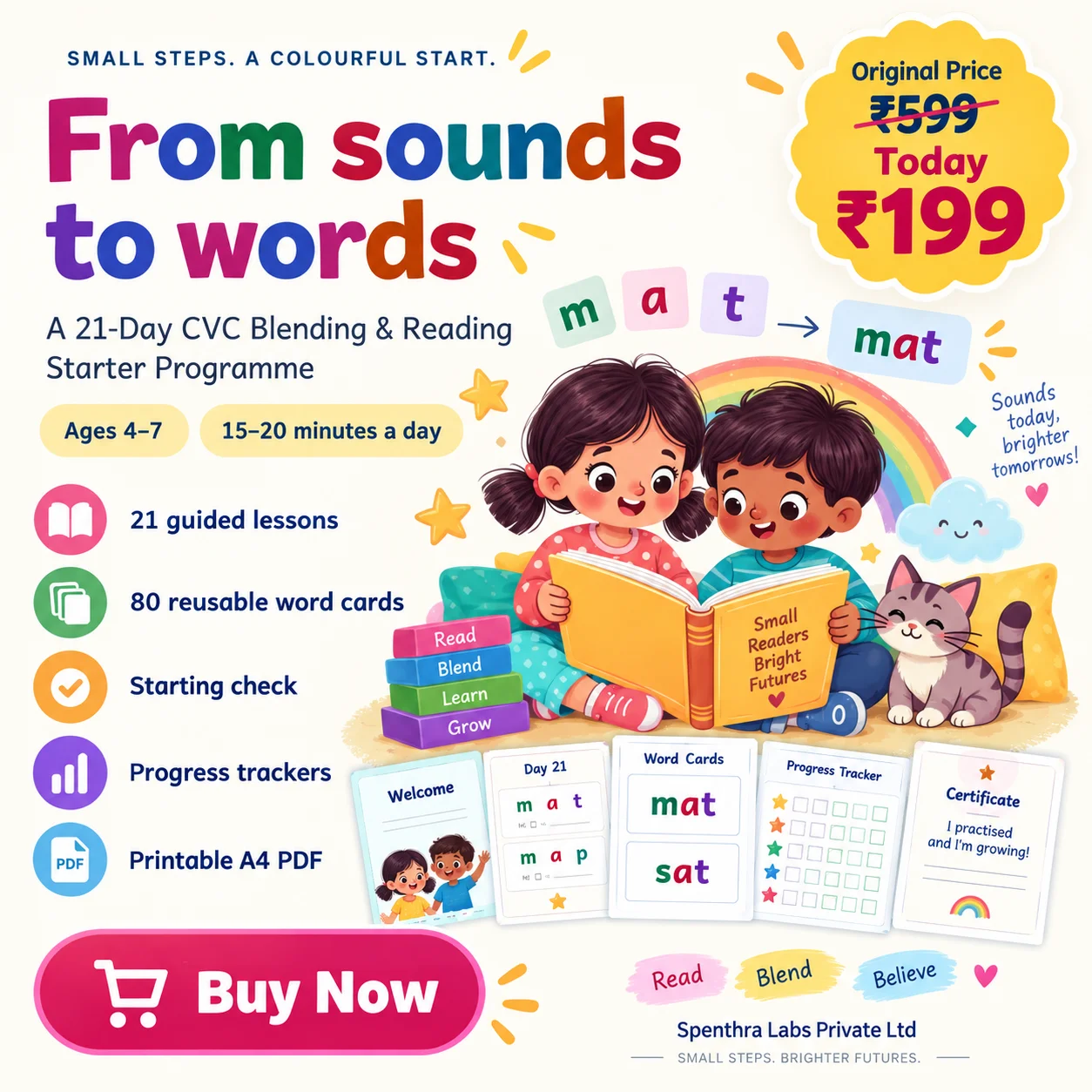
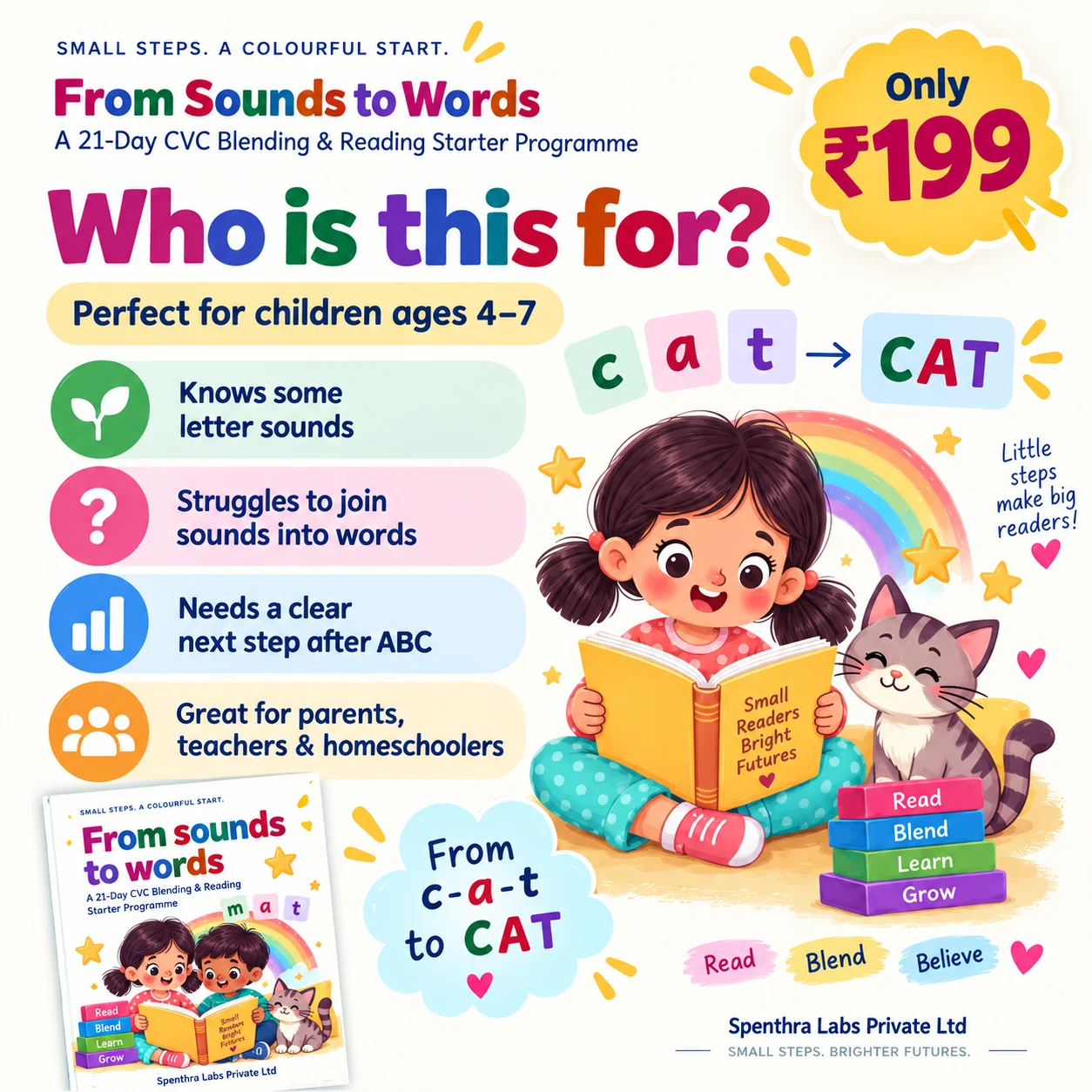
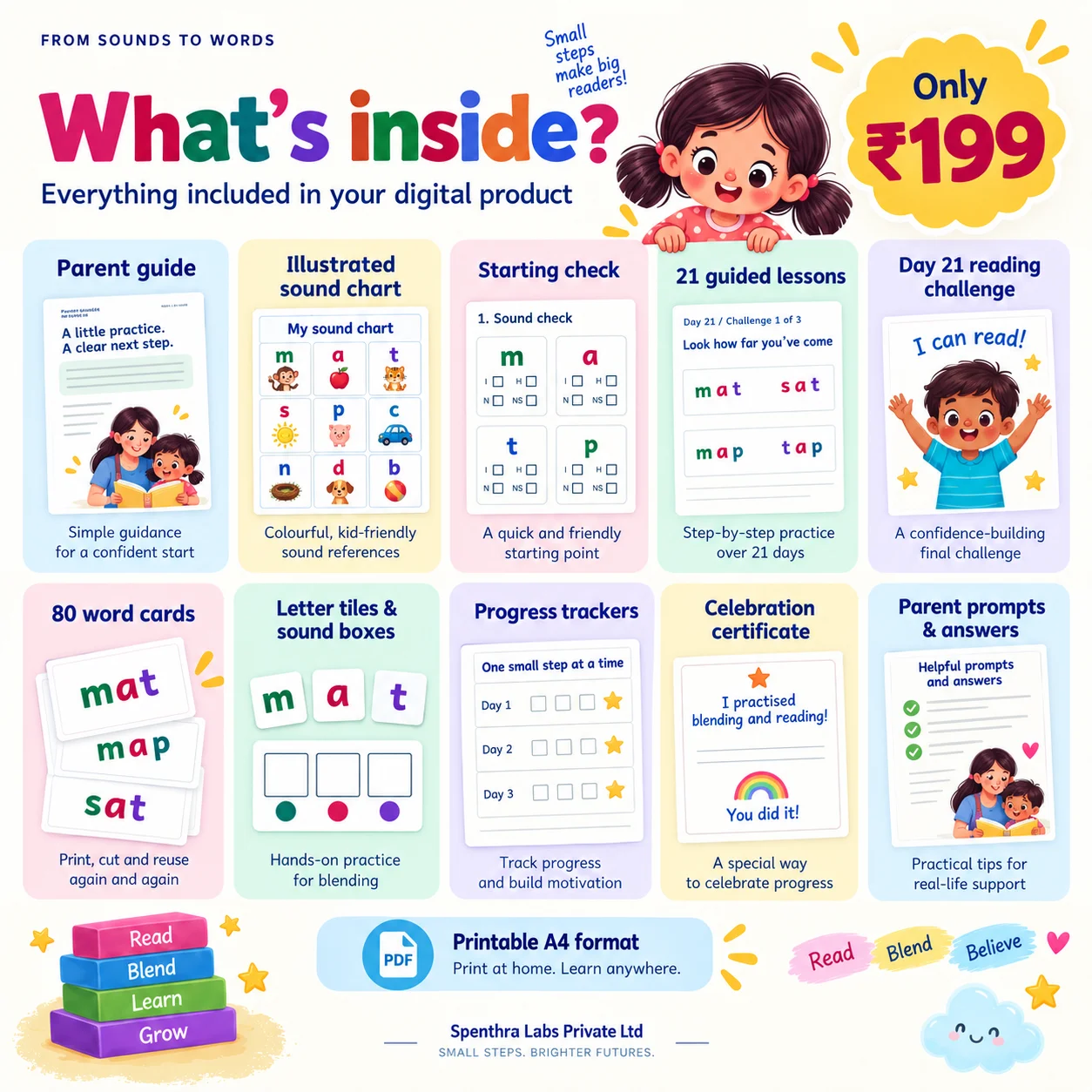
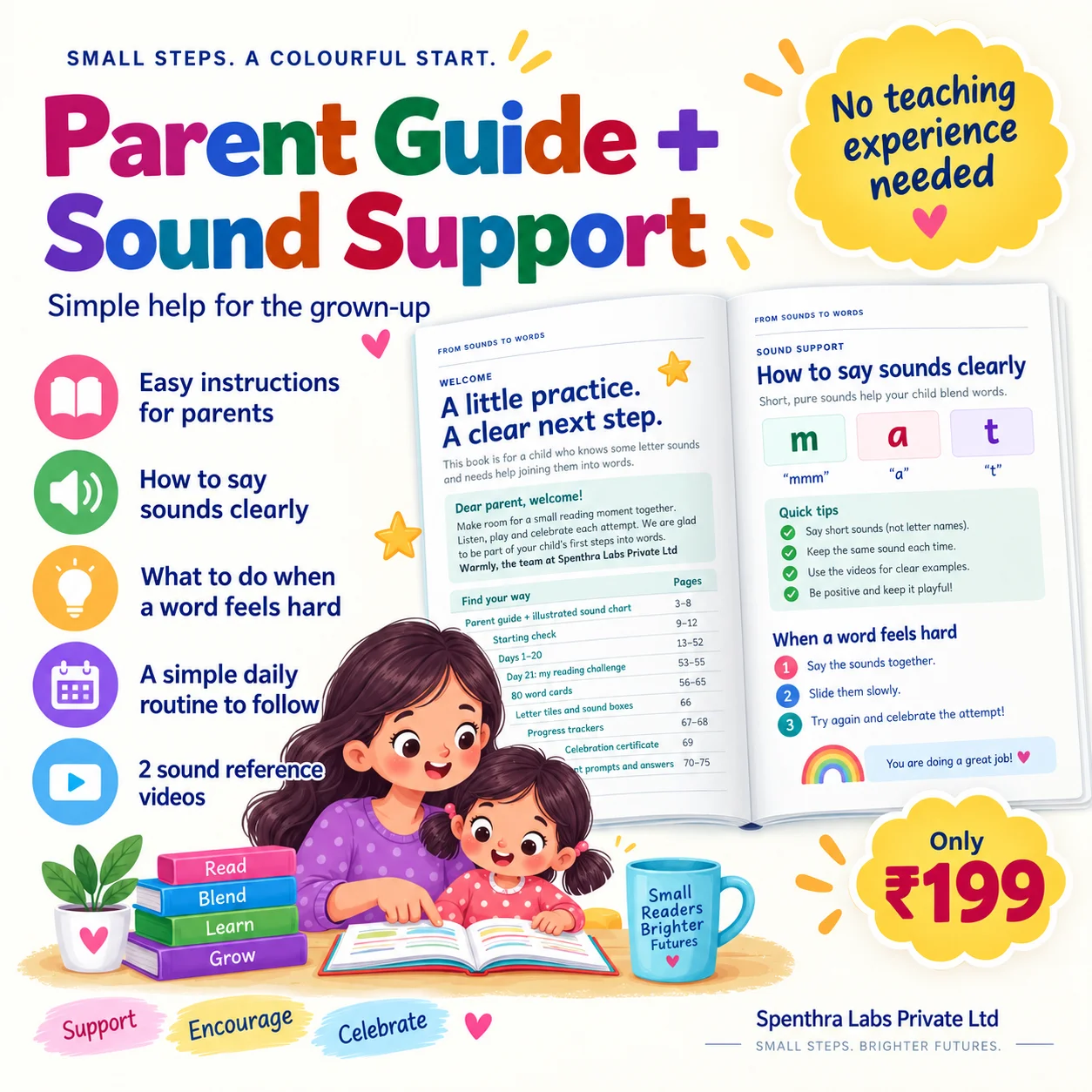
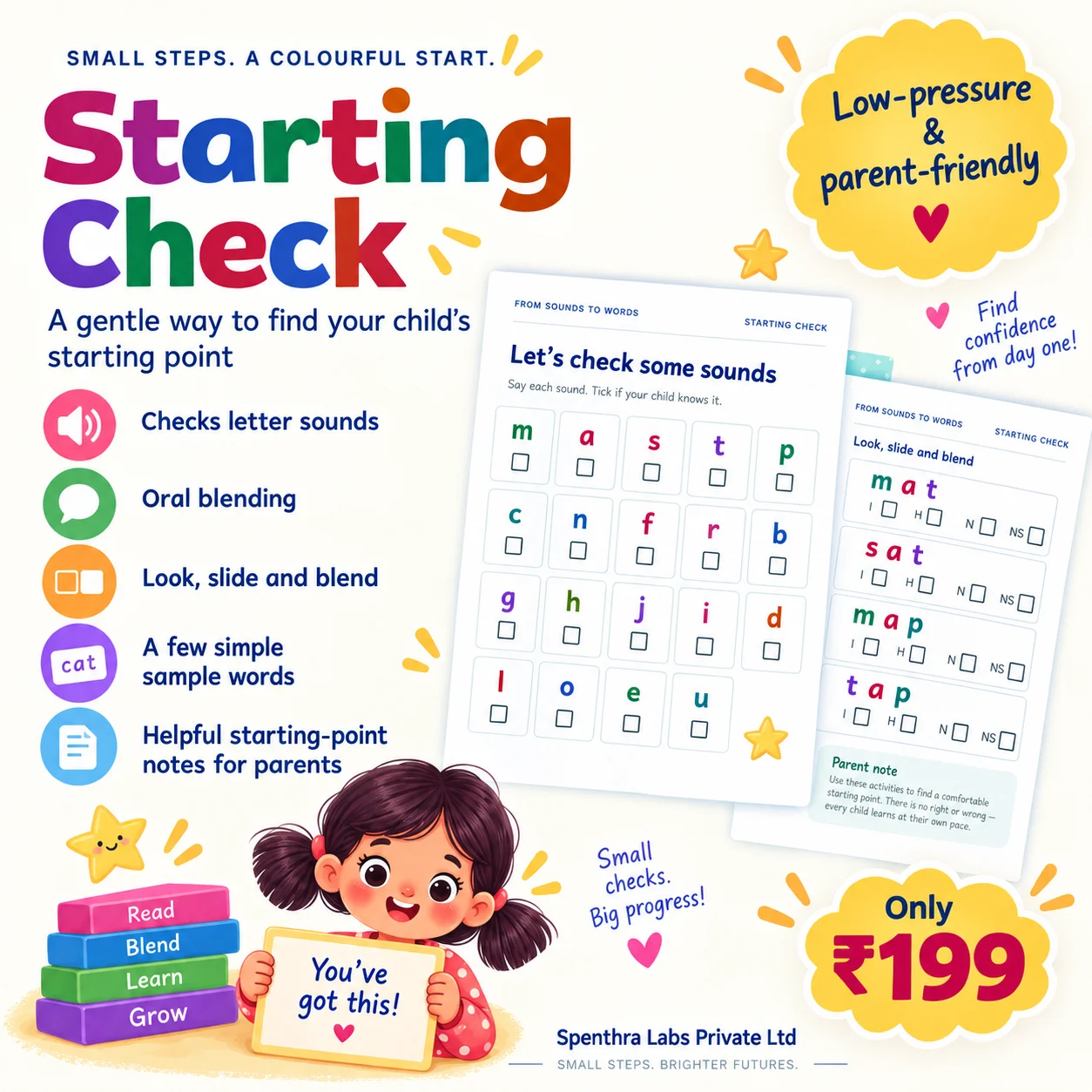
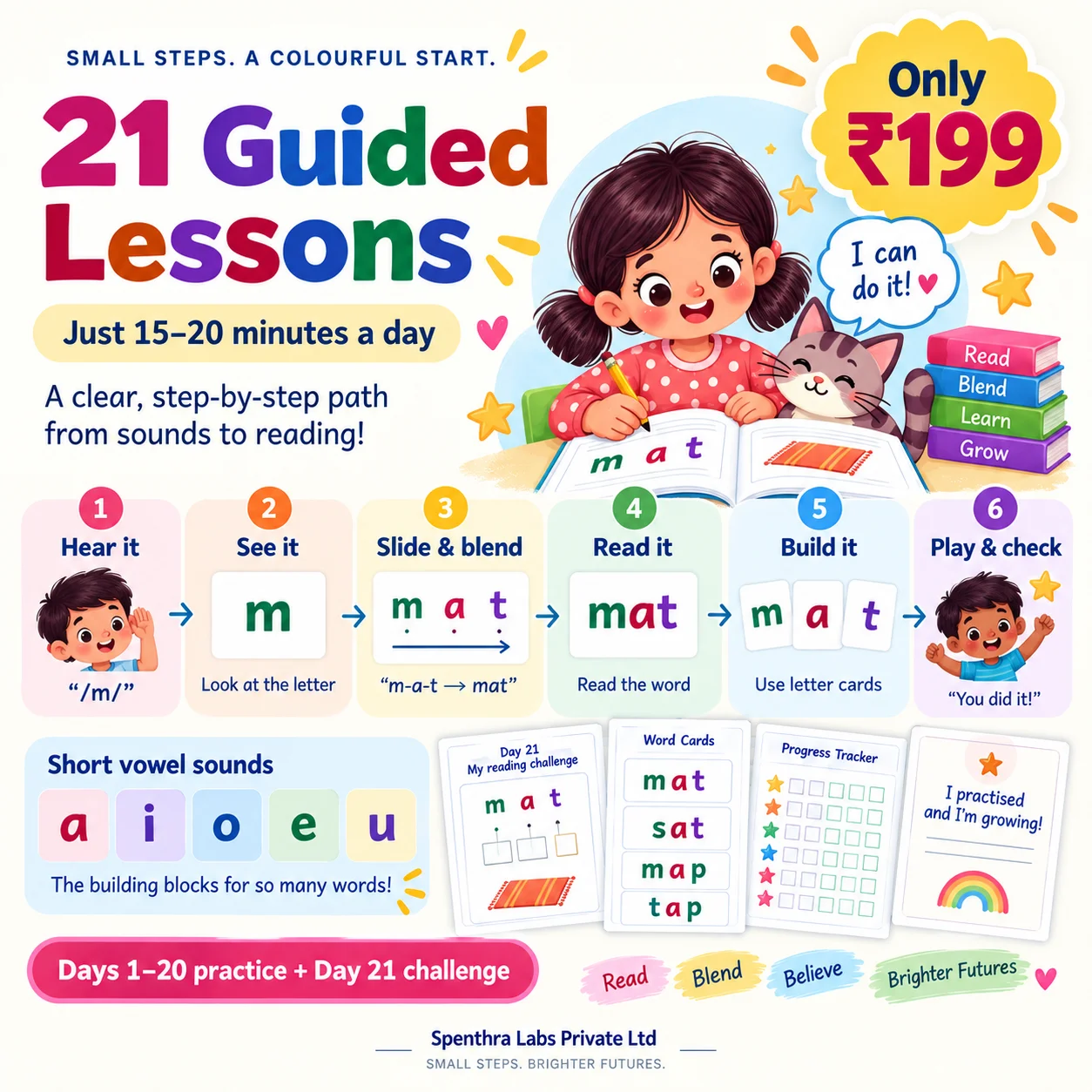
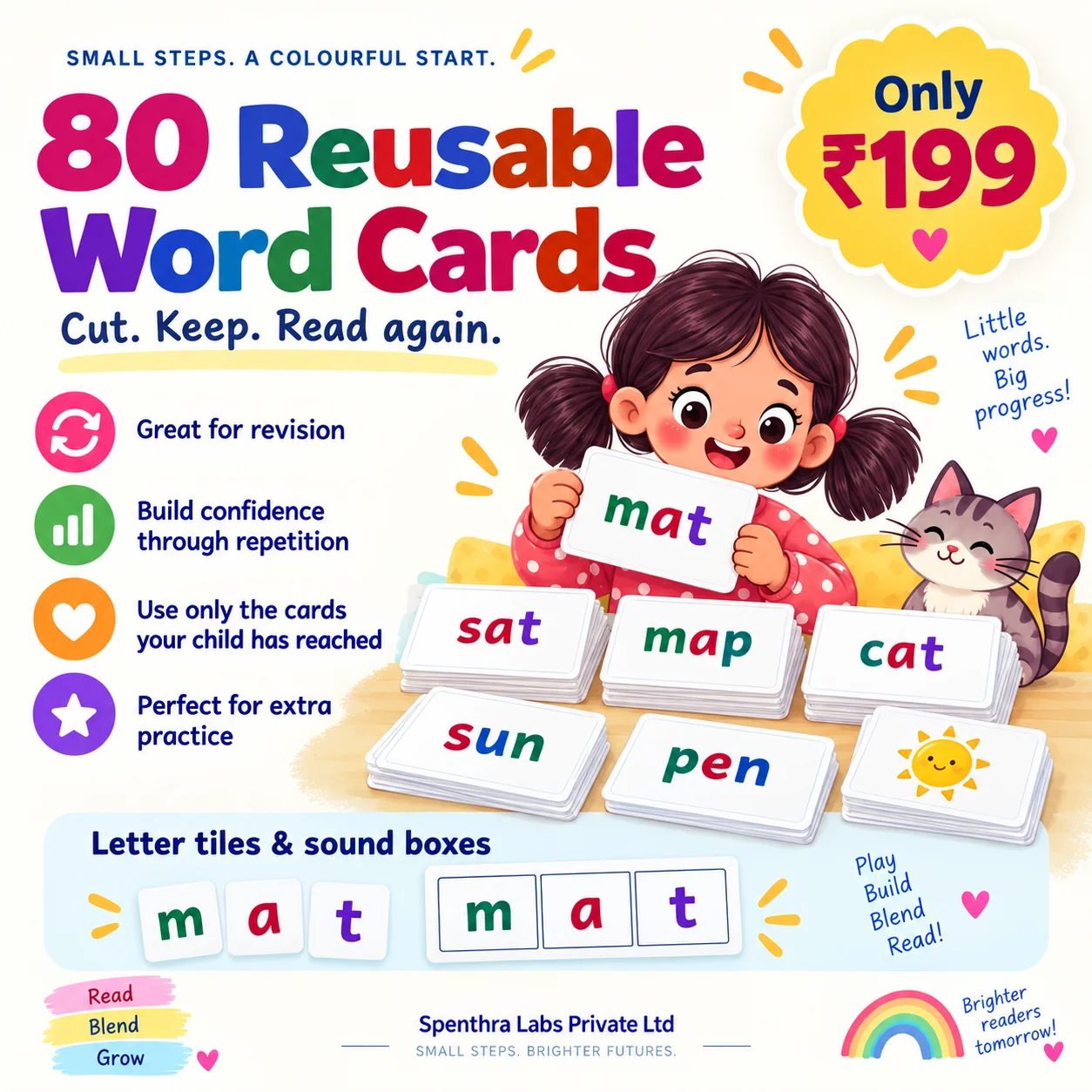
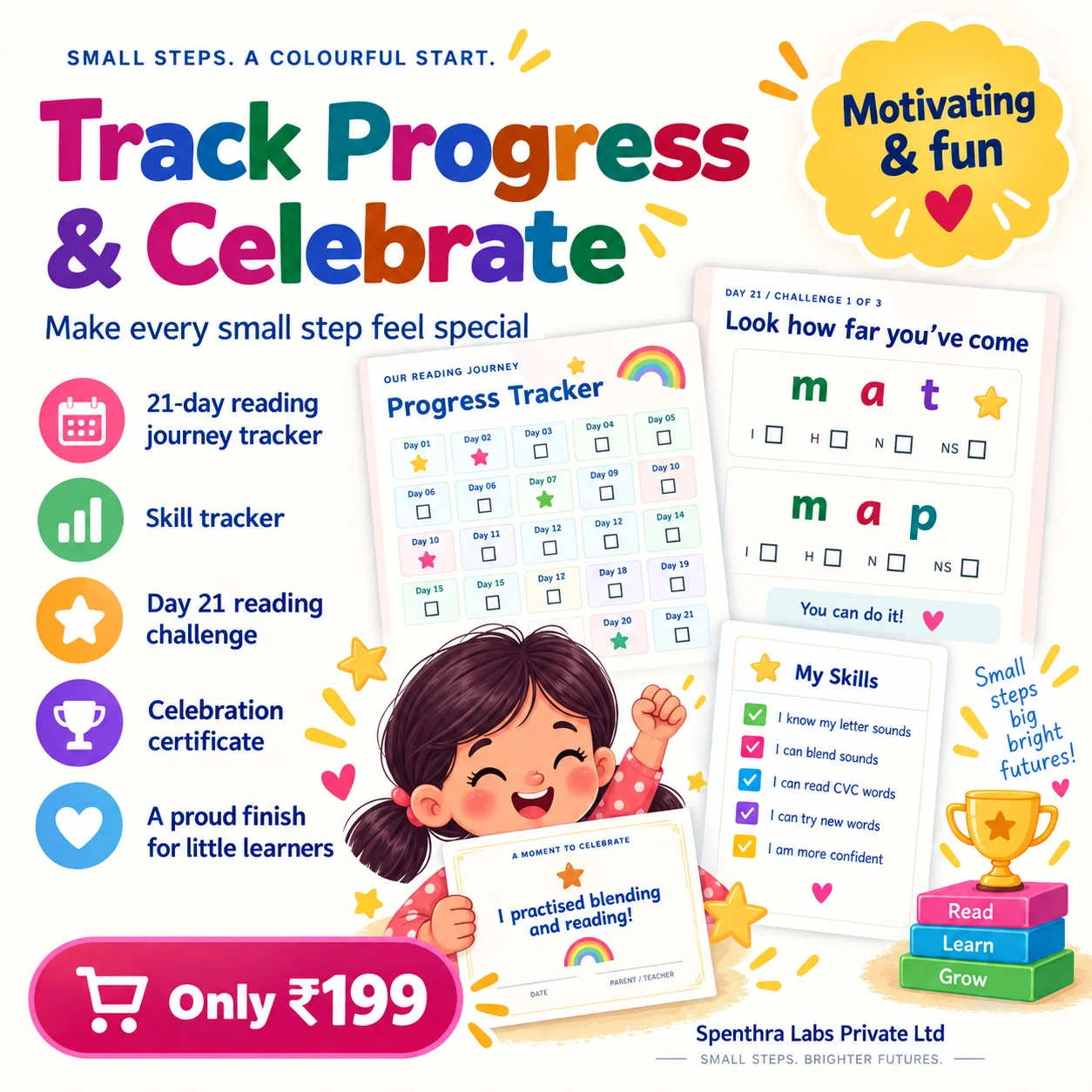
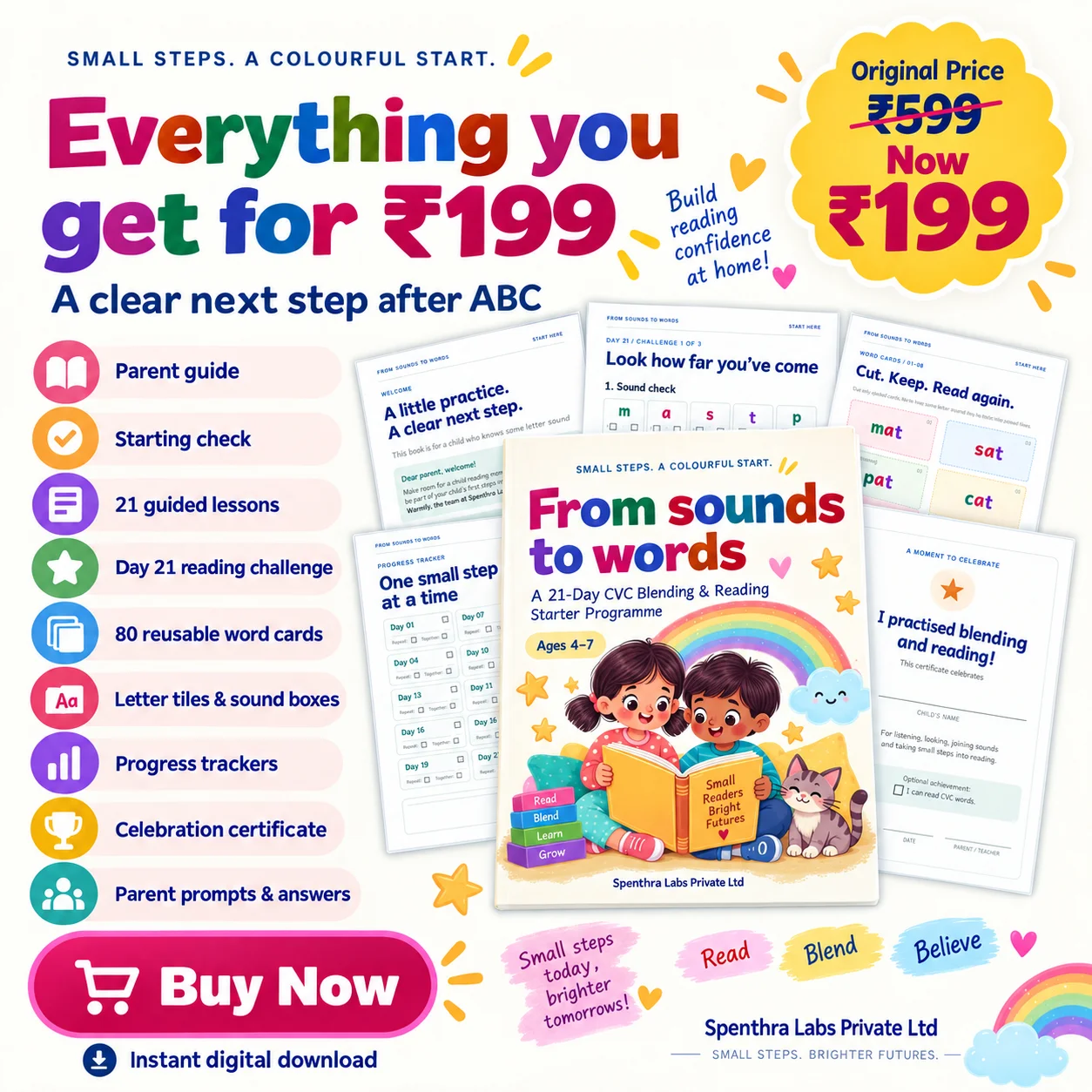
21 days of guided reading practice for little learners.

Ages 4–7 · English · Printable PDF

See More

From Sounds to Words

Free · no sign-up · unlimited

Word Search Puzzle Maker

Hide any list of words in a letter grid. Choose the grid size, allow diagonals and backwards words to raise the difficulty, and print the solution alongside. Hindi word lists work too — each cell holds a full अक्षर rather than splitting the matras apart.

  • Your own word list, or ten ready-made themes
  • Grid from 6 × 6 up to 22 × 22
  • Diagonal and backwards placement toggles
  • Solution page rings every hidden word
  • Works with Hindi words, not just English

How to get the most from these worksheets

A few things worth knowing before you print a stack of them.

The grid grows itself

If your words will not fit at the size you chose, the grid expands until they do rather than quietly dropping the ones that failed. Anything that genuinely cannot be placed is flagged, so you are never handed an unsolvable puzzle.

Filler letters come from your own words

Empty cells are filled from the same alphabet as your word list. If the filler came from a different set, sharp children would spot the hidden words by their letters rather than by searching.

Difficulty is direction, not size

A large grid with only horizontal words is easier than a small grid with backwards diagonals. Adjust the direction toggles before you reach for a bigger grid.

Direction settings decide the difficulty, not grid size

A 15×15 grid with horizontal and vertical words only is easier than a 10×10 that allows diagonals and backwards entries. Children scan left to right and top to bottom by habit, so those two directions are found quickly. Diagonals require a deliberate change of strategy, and backwards words defeat the reading reflex entirely. If a puzzle is finishing too fast, add directions before adding squares.

Make the filler letters work

A grid padded with random letters lets children spot words by their unusual letters — a lone Q or Z gives away quiz immediately. Filling with letters drawn from the hidden words themselves removes that shortcut and makes the search genuinely a search. It is the difference between a two-minute puzzle and a ten-minute one at the same size.

This is spelling practice, if the words are chosen well

Finding a word requires holding its exact letter sequence in mind while scanning, which is real spelling rehearsal rather than a break from work. Use the week's spelling list or current topic vocabulary and the puzzle stops being filler. Use random words and it is a pleasant way to pass twenty minutes and nothing more.

Word length matters more than word count

Short words hide well because they appear by accident in the filler and because there are more places they fit. Long words are conspicuous — a nine-letter run stands out. A list of mostly four- and five-letter words is considerably harder than the same number of longer ones, which is worth knowing when a puzzle needs to be easier for a younger child.

Print the answer key separately

Word searches are often set as independent work, so a key you can check quickly matters. Choose extra pages rather than printing the solution onto the sheet, and keep one copy for yourself — checking a completed grid by eye against a list is slow, and against a marked key is immediate.

What makes this different

Genuinely unlimited

No monthly cap and no premium tier. Make fifty worksheets in an afternoon if you need to.

Nothing is uploaded

Questions, names and PDFs are all built in your browser. No worksheet content is ever sent to a server.

Several exercises per sheet

Combine arithmetic, tracing and a quiz on one page instead of printing three separate worksheets.

Edit every question

Retype any question, replace just one, or delete it — your edits survive when you change the settings.

Frequently asked questions

How many words can I hide?

Up to twenty-four, and the grid grows as needed to fit them. There is no low cap forcing you into a paid plan.

Can I make a Hindi word search?

Yes. Choose a Hindi word list and each grid cell holds a complete अक्षर, with matras kept attached to their consonant.

Can I print the answers?

Yes — the solution page rings each hidden word in the grid.

Can I use my own word list?

Yes. Select “My own words” and enter one word per line. Spaces are removed automatically.

What makes a word search harder?

Direction settings, more than grid size. Horizontal and vertical words match how children scan and are found quickly; diagonal and backwards entries require deliberate effort. Adding directions raises difficulty far more than adding rows and columns.

Are word searches actually educational?

They are if the word list is. Finding a word means holding its exact letter sequence in mind while scanning, which is genuine spelling rehearsal. Built from the week's spellings or topic vocabulary they do real work; built from random words they are a pastime.

How big should the grid be?

Around 10×10 for younger children with eight to ten words, and 15×15 for older ones with twelve to fifteen. Keep the grid tight enough that the words fill it reasonably — a sparse grid is mostly filler and the words stand out.

Why are short words harder to find than long ones?

Because short letter runs occur by chance in the surrounding filler and fit in far more places, while a long word forms a conspicuous unbroken run. A list of four- and five-letter words is noticeably harder than the same number of longer ones.

Related generators

Suitable grade levels